Teacher Menu - minecraft.fandom.com

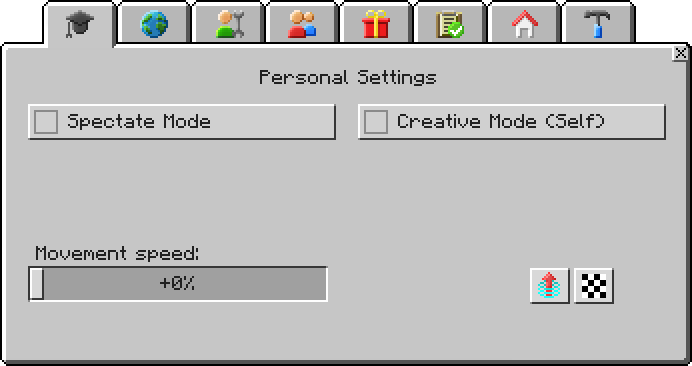
The teacher menu
The Teacher Menu was a feature in MinecraftEdu. It was used by teachers to make learning easier.
Usage[]
The teacher menu had many uses, the most notable being the Options. They were used to change how the game played with the students and the teacher.
Options[]
Personal Settings[]
Spectate Mode[]
Description: When enabled, makes you invisible to others.
Creative Mode (Self)[]
Description: When enabled, double-tap space to fly, unlimited blocks in inventory, destroy blocks instantly.
Movement speed[]
Description: Adjust how fast you walk or fly.
-
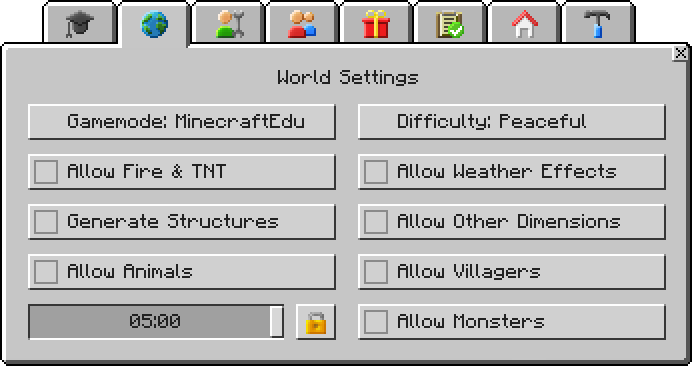
 The menu with the following options.
World Settings[]
Gamemode[]
Description: MinecraftEdu, Survival and Creative
Difficulty[]
Description: Peaceful, Easy, Normal, Hard
Allow Fire & TNT[]
Description: When enabled, fire can burn objects and spread, TNT can detonate and explode.
Allow Weather Effects[]
Description: When enabled, rain and snow storms may occur randomly.
Generate Structures[]
Description: When enabled, structures and buildings are created when world is being generated.
Allow Other Dimensions[]
Description: When enabled, players can travel to other dimensions like nether and the end.
Allow Animals[]
Description: When enabled, peaceful animals spawn.
Allow Villagers[]
Description: When enabled, villagers spawn.
Allow Monsters[]
Description: When enabled, monsters are generated and may attack players.
-
 The menu with the following options.
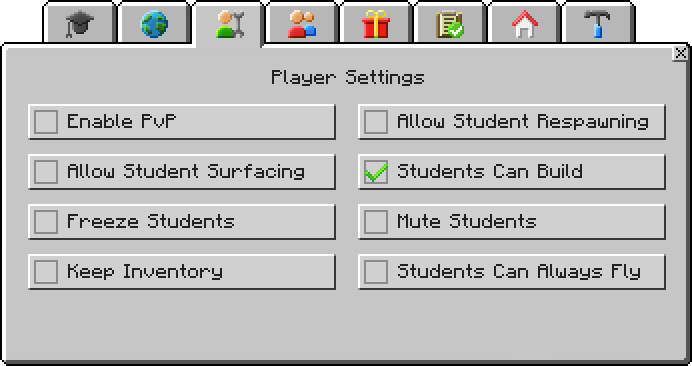
Player Settings[]
Enable PvP[]
Description: When enabled, players can engage in combat with and injure one another.
Allow Student Respawning[]
Description: When enabled, students can teleport themselves back to the spawn location using a button on the student menu.
Allow Student Surfacing[]
Description: When enabled, students can teleport themselves to back to the surface directly above their heads using a button on student menu.
Students Can Build[]
Description: When enabled, students can place or destroy blocks anywhere except on top of Build Disallow Blocks.
Freeze Students[]
Description: When enabled, students cannot move, destroy blocks or place blocks.
Mute Students[]
Description: When enabled, students cannot use the in-game chat.
Keep Inventory[]
Description: When enabled, users don't lose their inventory content on death.
Students Can Always Fly[]
Description: When enabled, students can fly in any gamemode.
-
 The menu with the following options.
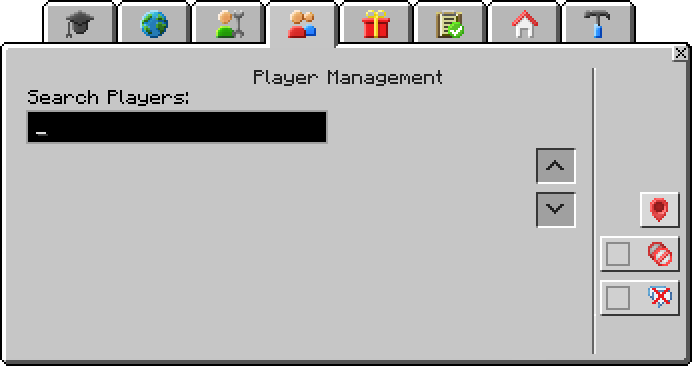
Player Management[]
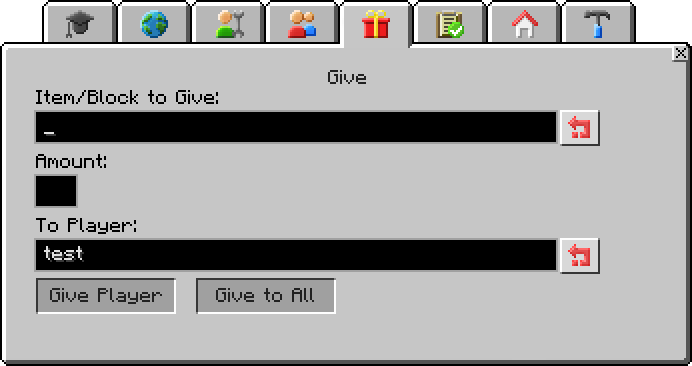
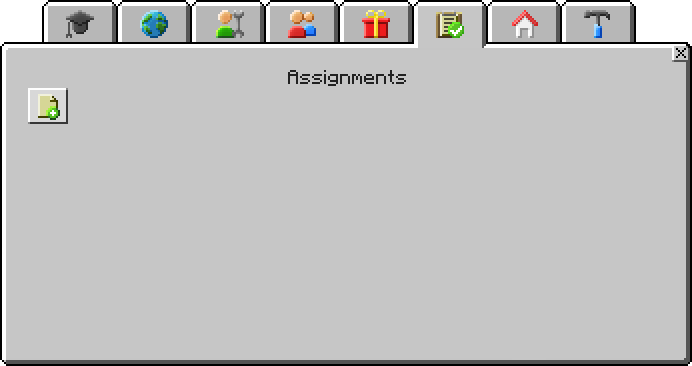
Note: There are no descriptions for the next four menus.
-
 Player Management.
Give[]
-
Give.
Assignments[]
-
Assignments.
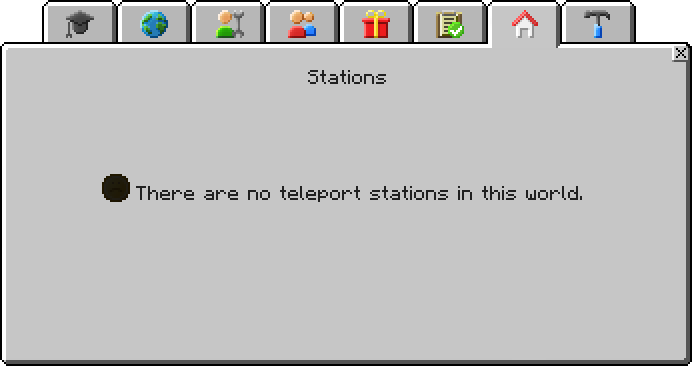
Stations[]
-
Stations.
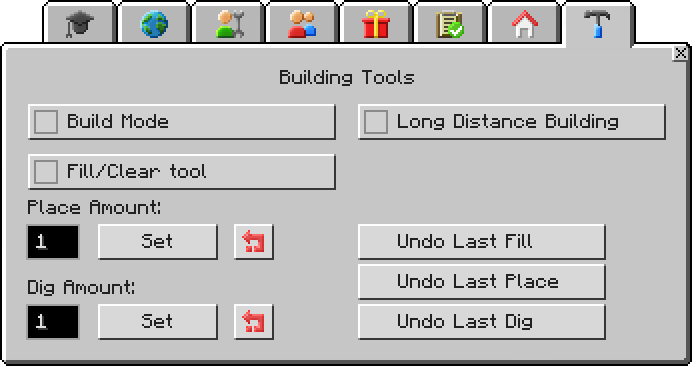
Building Tools[]
Build Mode[]
Description: When enabled, you can fly with precise movement control and you can move through solid blocks
Long Distance Building[]
Description: When enabled, you can place/dig blocks up to 60 blocks away.
Fill/Clear tool[]
Description: When enabled, place two blocks in opposite corners to completely fill the defined area with that block and hold nothing in your hands and right-click the corners to clear an area.
Place Amount[]
Description: Set how many blocks are placed in a column when you place blocks.
Dig Amount[]
Description: Set how many blocks are destroyed in a column when you dig blocks.
Undo Last Fill[]
Description: Reverts the most recent fills.
Undo Last Place[]
Description: Reverts the most recent blocks placed.
Undo Last Dig[]
Description: Reverts the most recent blocks destroyed.
-
The menu with the following options.

History[]
| MinecraftEdu | |||||
|---|---|---|---|---|---|
| 0.982 | Added the teacher menu. | ||||
| ? | The teacher menu is now opened by pressing M, it was formerly P. | ||||